Resize
Resizes the current image to the given dimensions. If EXIF metadata is to be preserved the information contained within will also be updated to match.
public ImageFactory Resize(Size size)
Parameters
- size
- The
System.Drawing.Sizecontaining the width and height to set the image to. Passing a 0 for either dimension will omit that dimension.
public ImageFactory Resize(ResizeLayer resizeLayer)
Parameters
- ResizeLayer
-
The
ImageProcessor.Imaging.ResizeLayercontaining the following properties required to resize the image.- Size
- The
System.Drawing.Sizecontaining the width and height to set the image to. Passing a 0 for either dimension will omit that dimension. - ResizeMode
- The
ImageProcessor.Imaging.ResizeModeto apply to resized image. - AnchorPosition
-
The
ImageProcessor.Imaging.AnchorPositionto apply to resized image. Applies toResizeMode.Pad,ResizeMode.BoxPad, andResizeMode.Crop - UpScale
- Whether to allow up-scaling of images. Defaults to true
Remarks
When resizing using the Resize(Size size) overload the default resize mode is ResizeMode.Pad
Examples
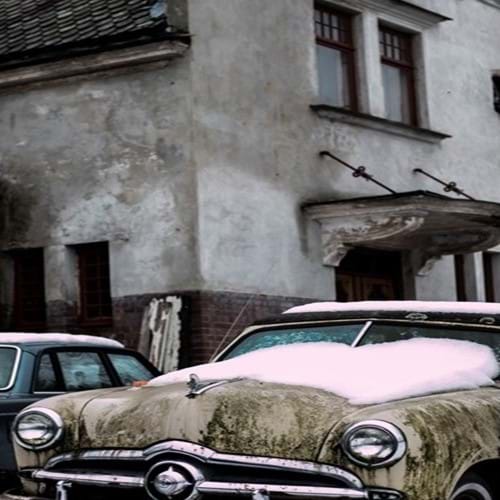
Original
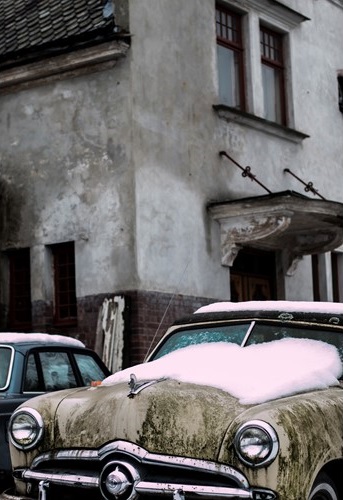
Resize Pad
Resizes the image to the given dimensions. If the set dimensions do not match the aspect ratio of the original image then the output is padded to match the new aspect ratio. Passing a single dimension will automatically preserve the aspect ratio of the original image.
Important
Any padded areas in the output for image formats that do not contain an alpha channel will display as black (the default encoder output). To change this color to another use the BackgroundColor method.
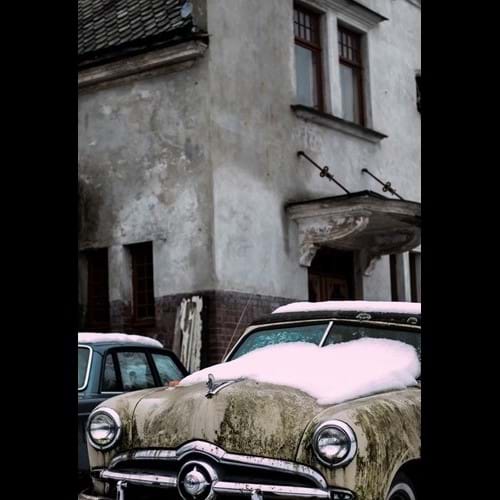
Resize BoxPad
When upscaling an image the image pixels themselves are not resized, rather the image is padded to fit the given
dimensions. When downscaling the image is resized using the rules defined by ResizeMode.Pad.
Important
Any padded areas in the output for image formats that do not contain an alpha channel will display as black (the default encoder output). To change this color to another use the BackgroundColor method.
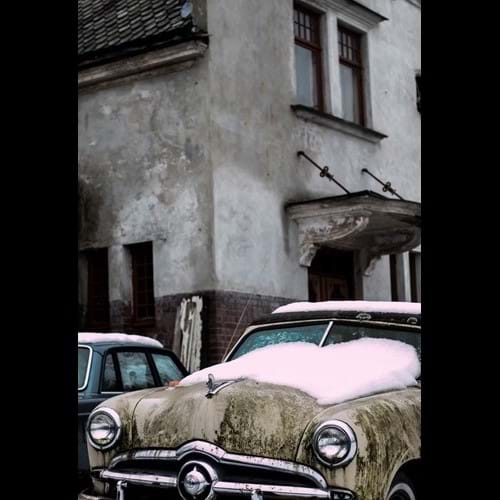
Resize Crop
Resizes the image to the given dimensions. If the set dimensions do not match the aspect ratio of the original image then the output is cropped to match the new aspect ratio.
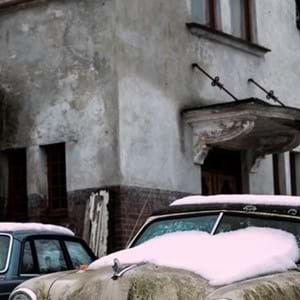
Resize Min
Resizes the image until the shortest side reaches the set given dimension. This will maintain the aspect ratio of the original image. Upscaling is disabled in this mode and the original image will be returned if attempted.
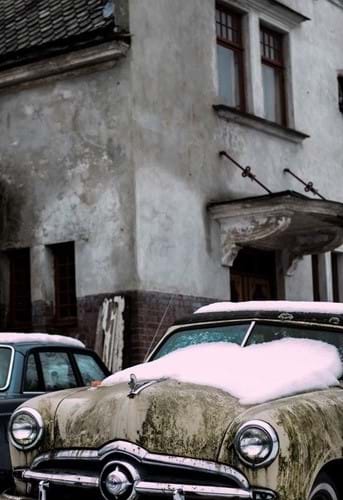
Resize Max
Resizes the image to the given dimensions. If the set dimensions do not match the aspect ratio of the original image then the output is resized to the maximum possible value in each direction while aintaining the original aspect ratio.
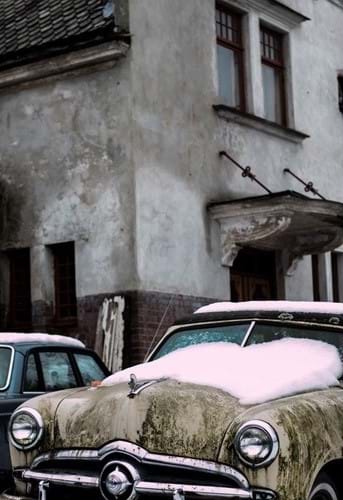
Resize Stetch
Resizes the image to the given dimensions. If the set dimensions do not match the aspect ratio of the original image then the output is stretched to match the new aspect ratio.